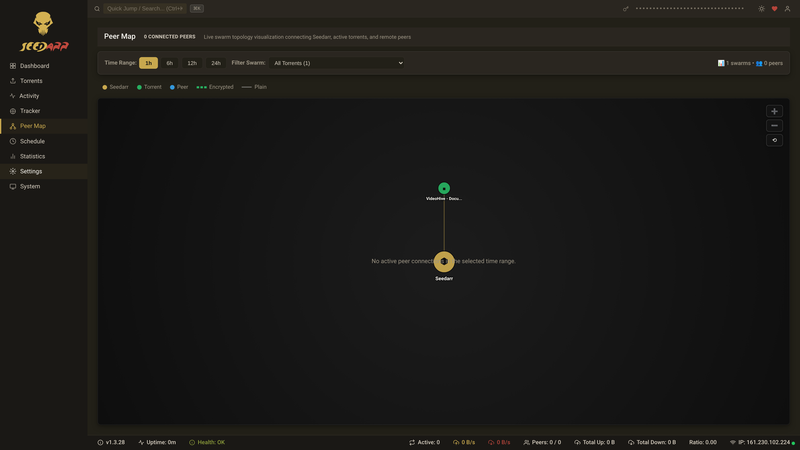

The *arr approach to BitTorrent seeding — maintain your ratio, automatically.
Real-time Dashboard
Sonarr & Radarr Integration
MSE/PE Encryption
DHT + PEX
Docker Ready
The *arr approach to BitTorrent seeding — maintain your ratio, automatically.
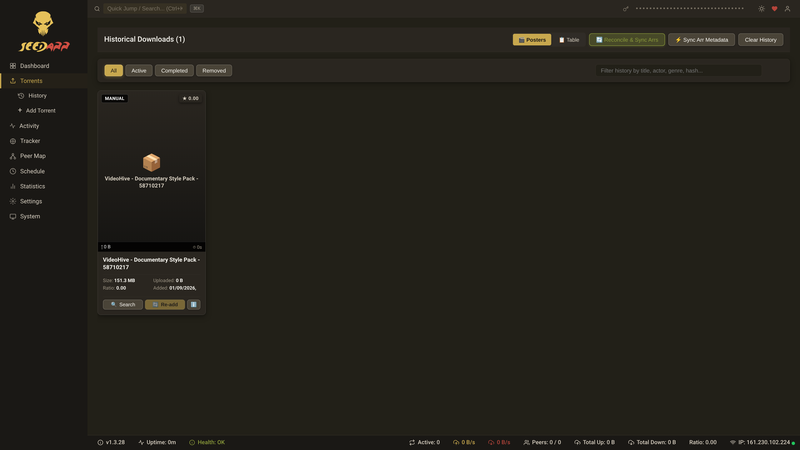
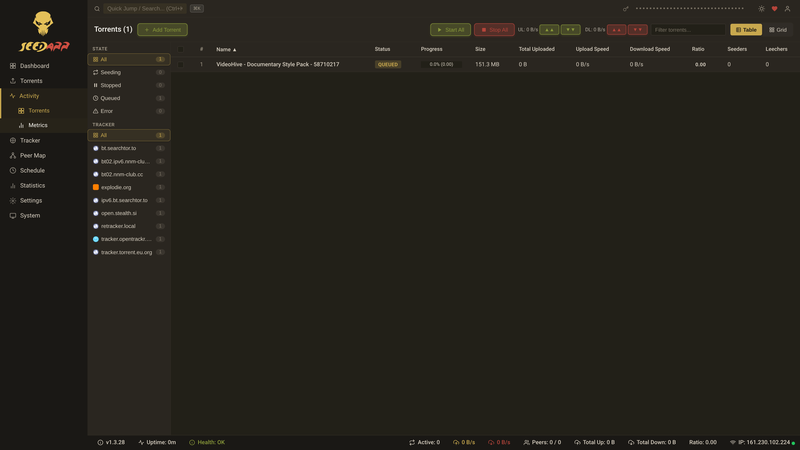
Everything you need to keep your torrents seeding — beautifully, automatically, and without moving a single byte of real data.
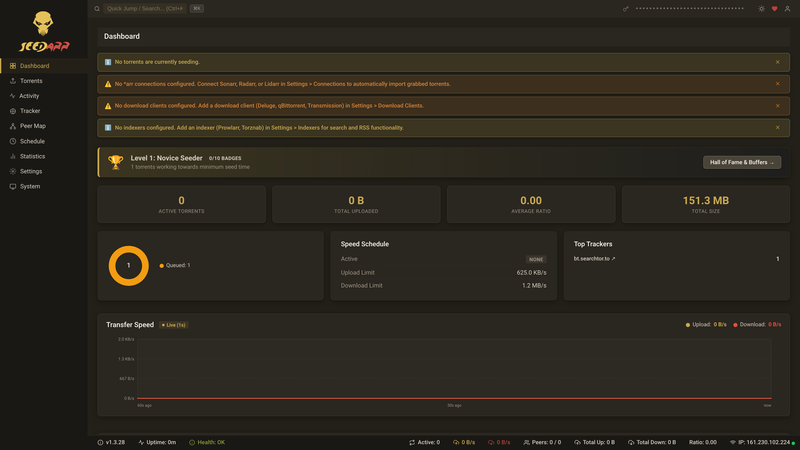
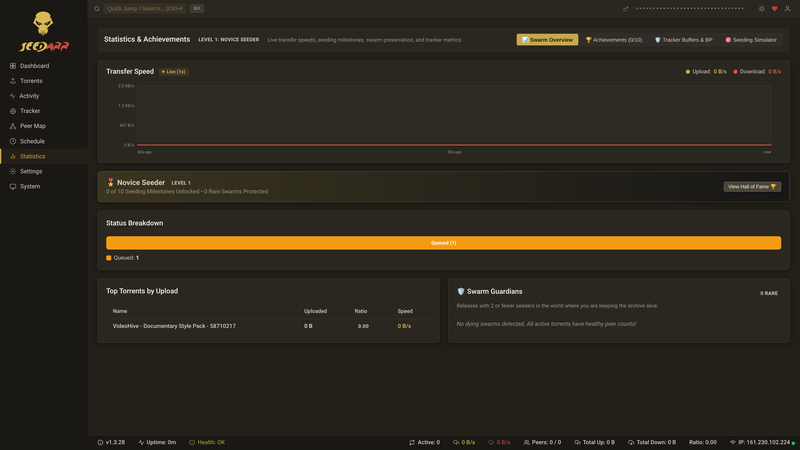
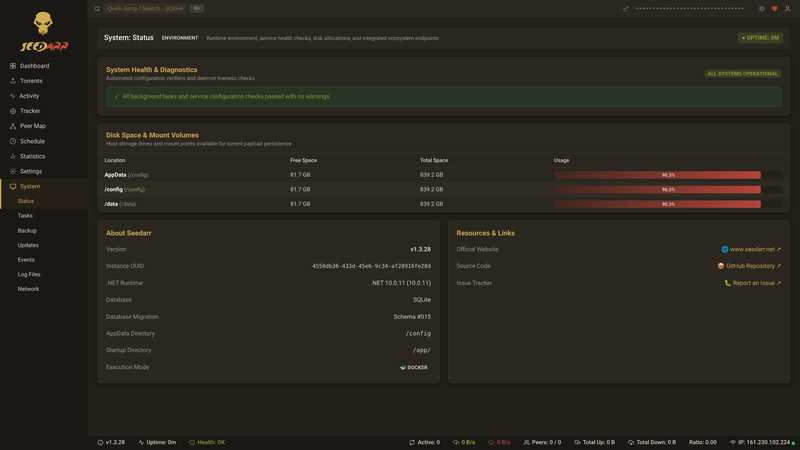
Monitor all your seeding torrents at a glance. Speed graphs, peer counts, tracker status, and ratio progress update live via SignalR — no page refresh needed.
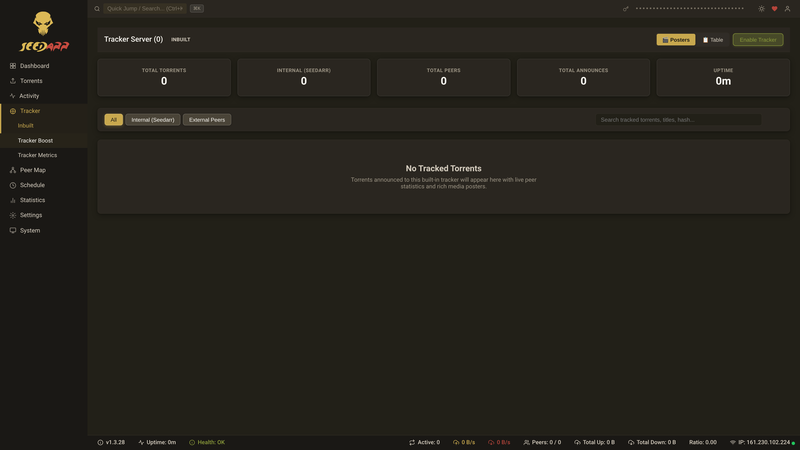
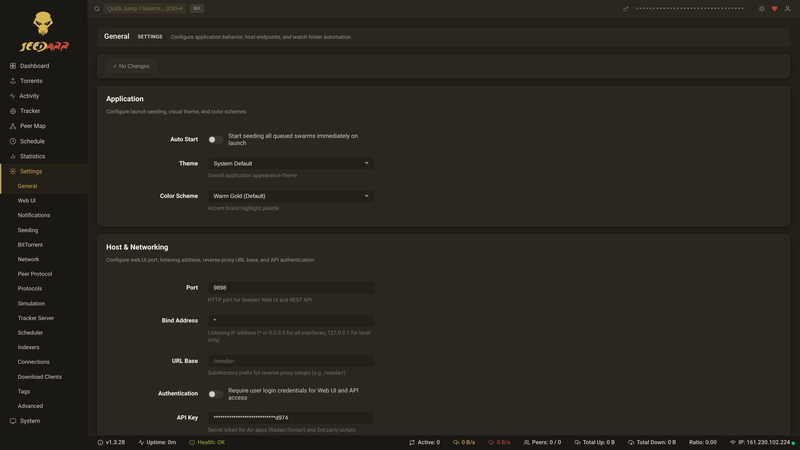
Seedarr speaks the full BitTorrent dialect. Peer connections, tracker announces, encryption, DHT — every extension needed to look and behave exactly like a real client.
Seedarr impersonates real BitTorrent clients, generating authentic peer IDs, user agents, and handshake behavior. Trackers see exactly what they expect to see.
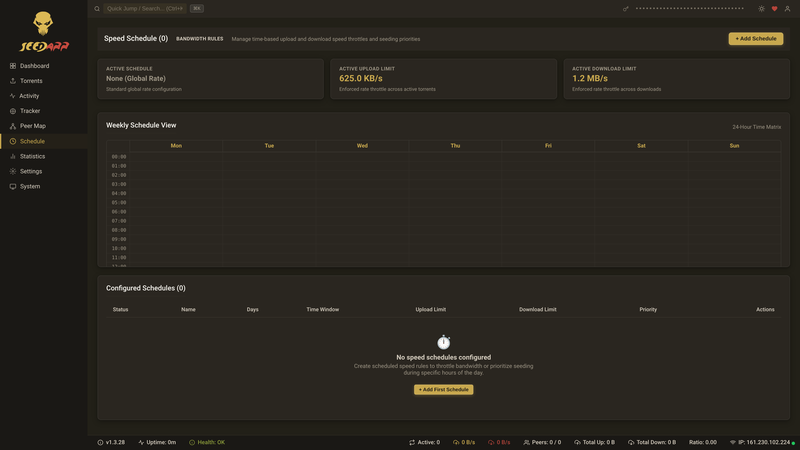
Define upload speed profiles by time of day and day of week. Max bandwidth at night, throttle during work hours.
Webhook, email, and Discord alerts when torrents change state, trackers go down, or health checks fail.
Built-in system health checks surface tracker issues, configuration problems, and connectivity errors.
Full API at /api/v1/ with interactive Swagger docs at /swagger. Automate everything.
Group torrents with tags for bulk speed profile assignment, filtering, and management.
Lightweight SQLite by default; switch to PostgreSQL for multi-instance or high-volume deployments.
Connect to your existing Sonarr and Radarr instances. Seedarr syncs your download history and automatically begins simulating seeds.
Auto-seed TV series downloads
Auto-seed movie downloads
Auto-seed music downloads
Auto-seed book downloads
Seedarr runs on any platform that supports .NET 10. Docker is the recommended deployment.
The easiest way to run Seedarr. The official image is published to Docker Hub and GitHub Container Registry (GHCR).
Option 1: Docker Hub
docker run -d \
  --name seedarr \
  -p 9898:9898 \
  -v seedarr-config:/config \
  -v seedarr-data:/data \
  --restart unless-stopped \
  feeditout/seedarr:latest
Option 2: GitHub Container Registry (GHCR)
docker run -d \
  --name seedarr \
  -p 9898:9898 \
  -v seedarr-config:/config \
  -v seedarr-data:/data \
  --restart unless-stopped \
  ghcr.io/dmzoneill/seedarr:latest
Then open http://localhost:9898
services:
  seedarr:
    # Option 1 (Docker Hub):
    image: feeditout/seedarr:latest
    # Option 2 (GHCR):
    # image: ghcr.io/dmzoneill/seedarr:latest
    container_name: seedarr
    ports:
      - "9898:9898"
    volumes:
      - seedarr-config:/config
      - seedarr-data:/data
    restart: unless-stopped
    environment:
      - TZ=UTC
    healthcheck:
      test: ["CMD", "curl", "-f", "http://localhost:9898/api/v1/system/status"]
      interval: 30s
      timeout: 10s
      retries: 3
      start_period: 30s

volumes:
  seedarr-config:
  seedarr-data:
docker compose up -d
# or
podman-compose up -d/config stores the database, settings, and logs. /data holds torrent files and the watch folder.
Seedarr requires .NET 10 runtime. Use the generic tar.gz for manual installation on any Linux distribution.
/opt/seedarr)../Seedarr or create a systemd unit file for autostart.Seedarr supports macOS on both Intel and Apple Silicon (arm64).
Seedarr.app to your Applications folder.codesign --force --deep -s - /Applications/Seedarr.appSeedarr can run as a Windows Service or System Tray Application. Supports Windows 10 / Server 2019 or later.
Seedarr runs on most NAS devices via Docker. Synology, QNAP, Unraid, and TrueNAS are all supported.
feeditout/seedarr:latest from Docker Hub, or ghcr.io/dmzoneill/seedarr:latest from GHCR.9898 and map volumes for /config and /data.Requirements: .NET 10 SDK, Node.js 24+, npm.
git clone https://github.com/dmzoneill/Seedarr.git
cd Seedarr

# Backend
dotnet run --project src/NzbDrone.Console/Seedarr.Console.csproj

# Frontend (hot reload dev server)
cd src/Seedarr.Frontend
npm install
npm startmake setup # Restore .NET + npm dependencies
make build # Build release
make test # Run unit tests
make publish # Publish release artifacts
make frontend # Build production frontend bundle9898. Both must be running simultaneously during development.